
A proposal for VendorPM

Your vendors run their day from a phone. Give them an app worth opening.

Chat, quote requests, contracts and compliance โ€” rebuilt as one fast, beautiful app that keeps working when the signal doesn't.

Email allan@shinysoft.biz

Everything on this page is the real app, running and recorded on the iOS simulator. Not mockups. Not Figma.

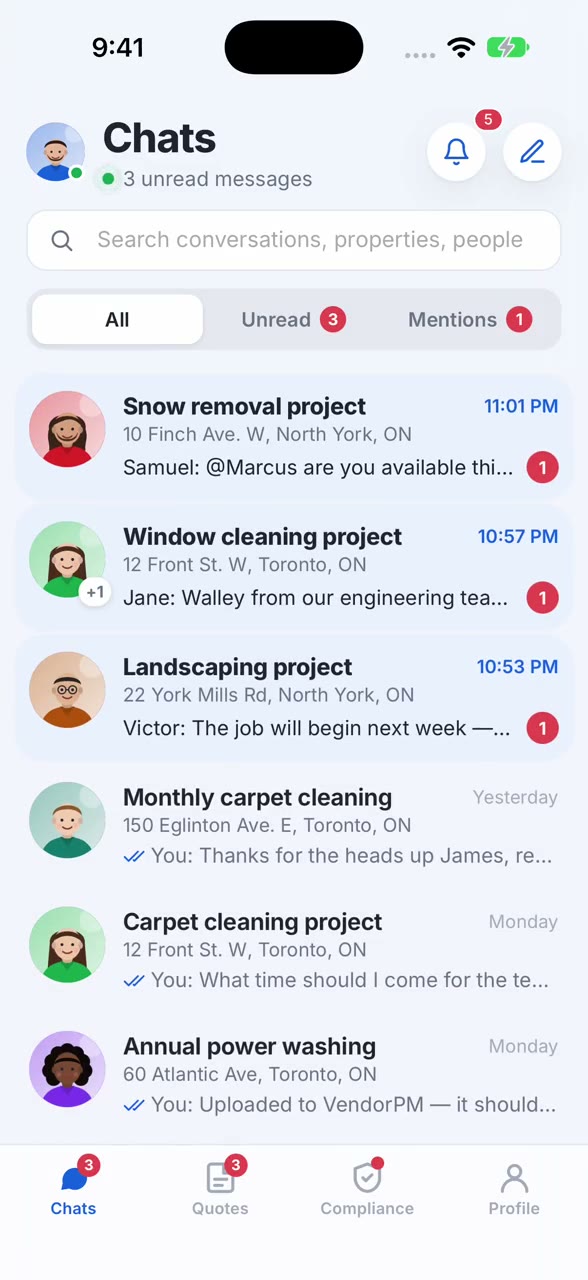
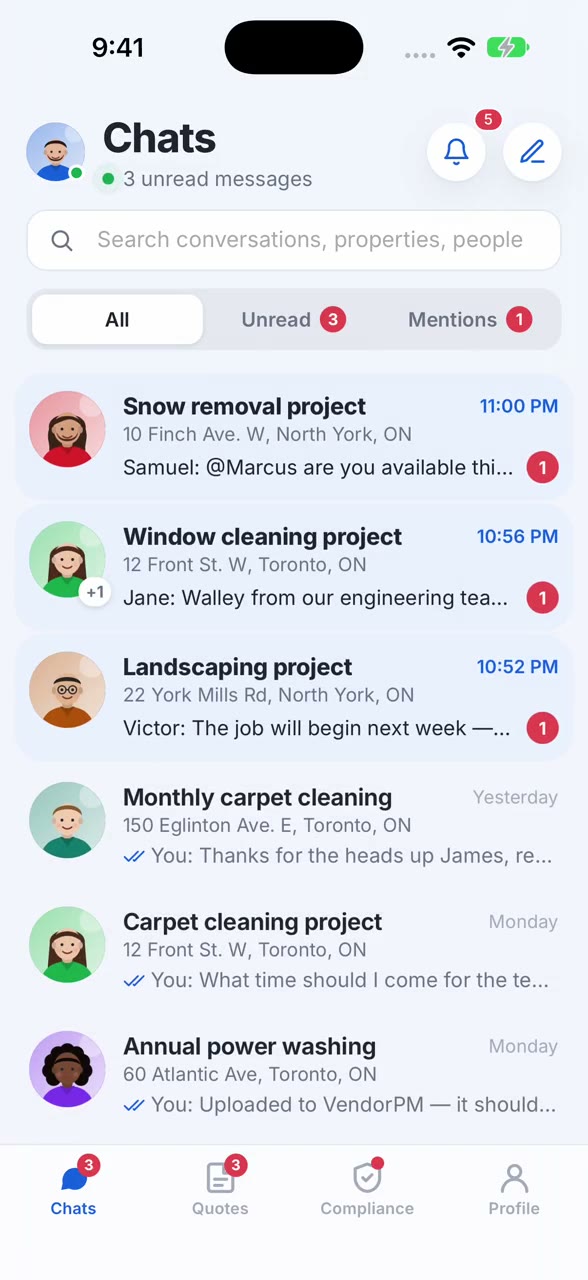
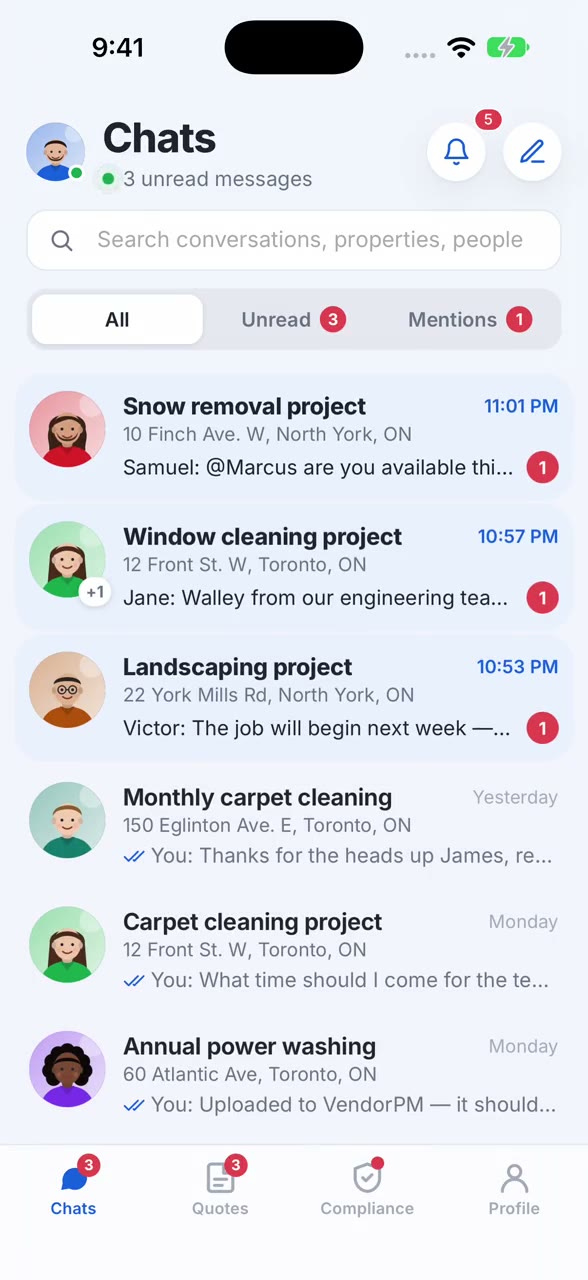
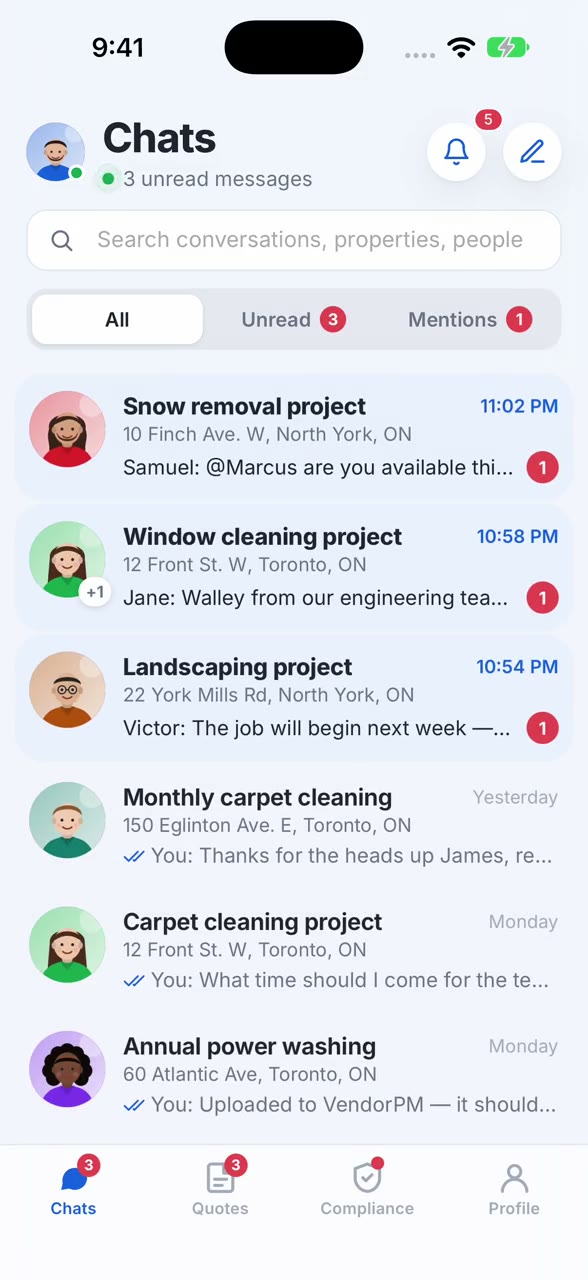
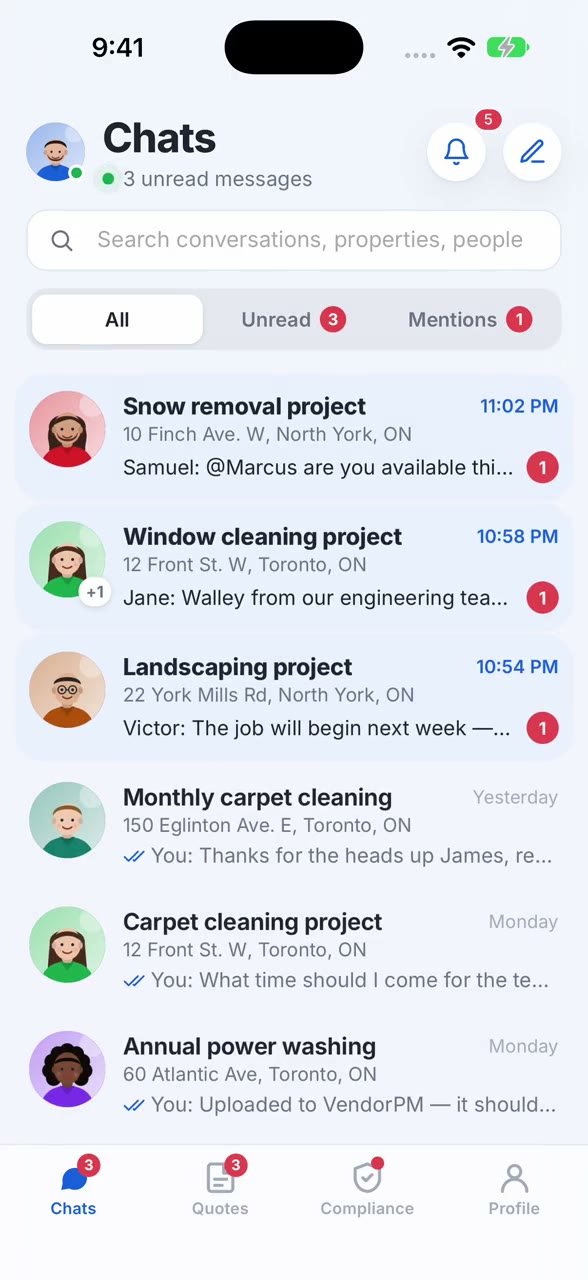
The VendorPM inbox: conversations for each quote request, with unread counts and mentions

Today the VendorPM app is a chat window.

It does one job โ€” messaging โ€” and it's the only part of VendorPM a vendor carries in their pocket. Quote requests, awards, contracts and compliance all wait until they're back at a desk. This concept puts all of it on the phone, and makes it a pleasure to use.

Three problems you told us about, and how we answer them

Bugs keep reaching users

A release looks fine in review, then a vendor finds the broken screen on a job site.

Every build is proven by tests that drive the real app.

An automated suite launches the actual app on the iOS simulator and uses it the way a vendor would โ€” signs in, opens a conversation, sends a message, builds a quote, uploads a certificate โ€” and checks every screen along the way. Nothing ships unless all of it passes.

54automated tests
9user journeys covered
3 minfor the full suite
Releases take too long

Two platforms, two codebases, and every fix waits on another app-store review.

One codebase. UI fixes that don't wait for the store.

The app is built once for iPhone and Android. Its screens ship inside the app, and the app is built to take signed over-the-air updates to them โ€” switch it on and a wording change or a layout fix reaches vendors the same day. New native capabilities โ€” camera, notifications, calendar โ€” still ship with a store release, as they should. The test suite gates both paths.

  • iOS and Android from the same code
  • Ready for signed over-the-air updates to screens and content
  • Automated tests run on every release

You want AI in how you work

In the product, and in the way it gets built.

We already build this way, and it shows in the product.

This app, its test suite and this website were built with AI agents that write code, run the real app on a simulator, look at the screen and fix what they find. That is how a working concept this complete exists in days rather than months โ€” and it's the workflow we'd bring to your team.

Inside the app, we'd put AI where vendors spend their time: reading an insurance certificate so the dates fill themselves in, drafting the scope of work for a quote, and connecting to VendorPM's own AI assistant. The certificate flow is in this demo, with the reading simulated; the other two are the next step.

What a vendor gets

Every screen below is in the running app, with realistic demo data โ€” nine RFQ conversations across Toronto properties, quote requests, contracts and compliance documents.

A first impression that feels like VendorPM

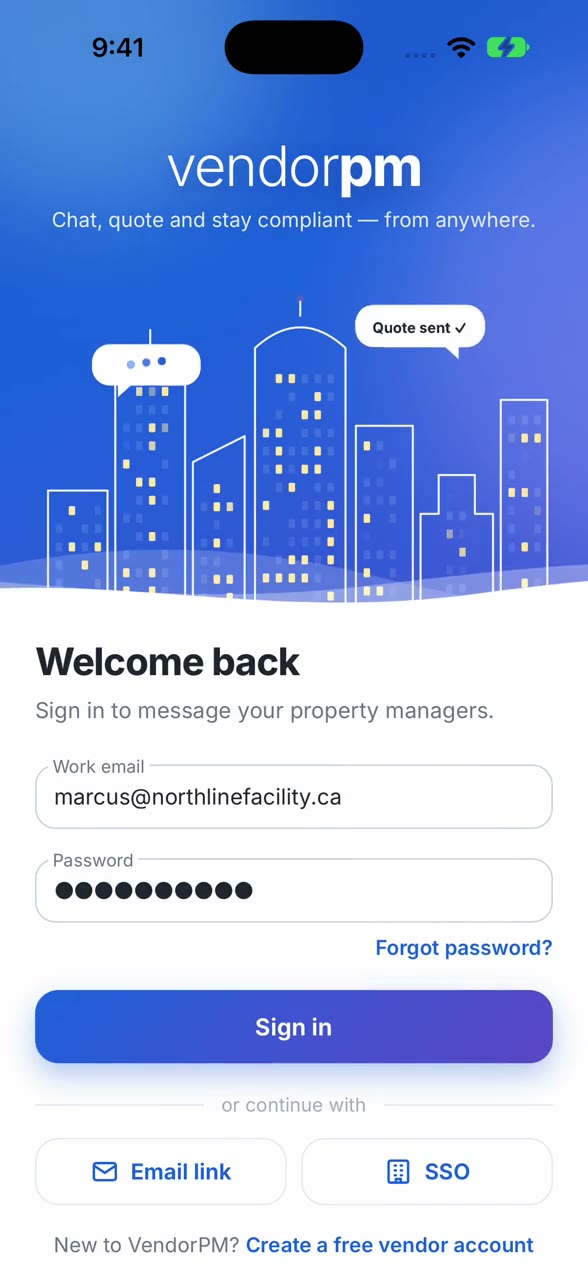
The sign-in screen draws a city skyline line by line, lights its windows and floats the moments vendors care about โ€” a quote sent, a job awarded. Then two-step verification, email links and single sign-on for larger vendors, and a sweep straight into the inbox.

The animated VendorPM sign-in screen with a line-drawn skyline

Chat that feels instant

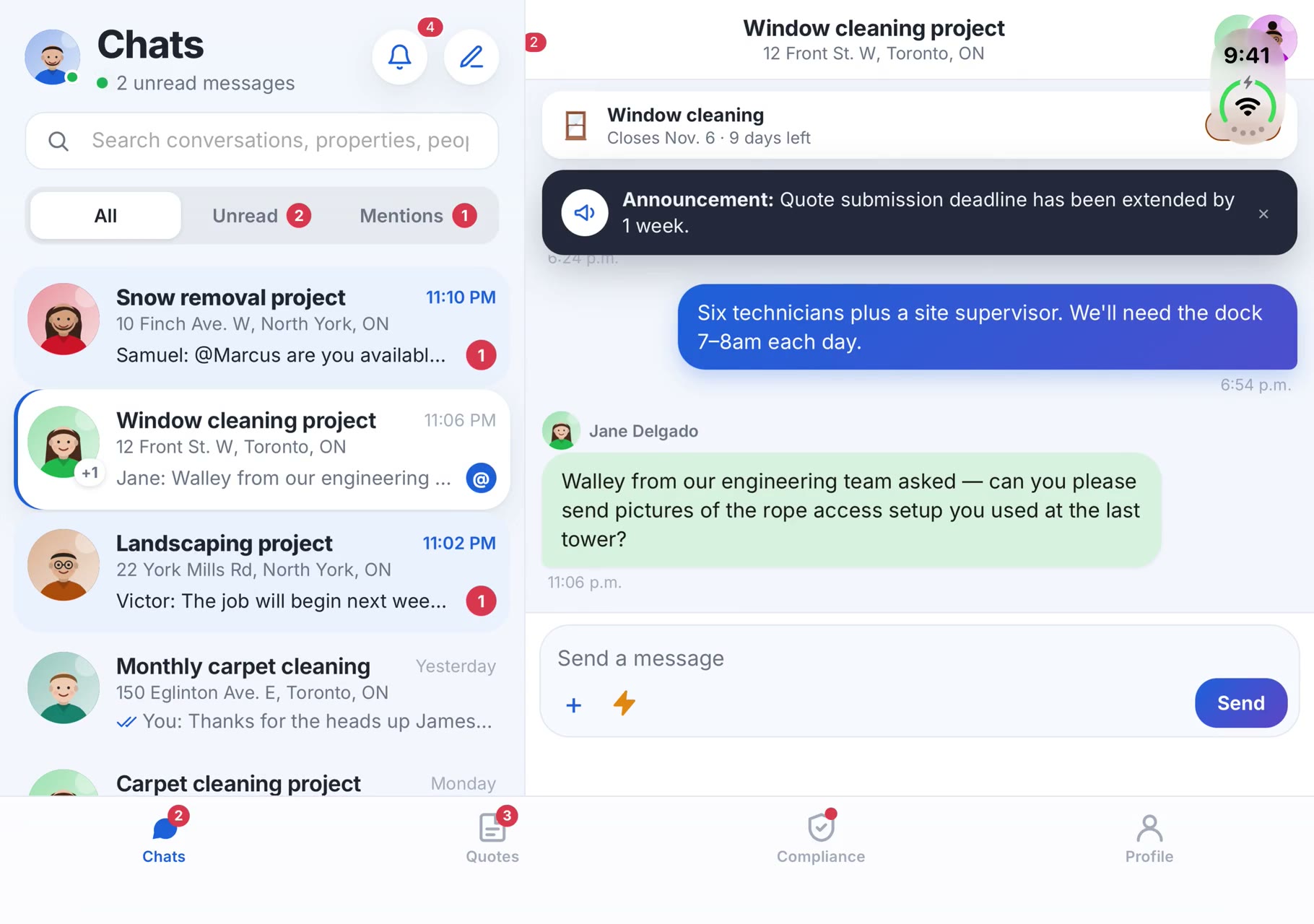
Every quote request has its own conversation with the property manager. Typing indicators, read receipts, reactions and photos from the job site โ€” plus one-tap quick replies for the things vendors say ten times a day: on my way, running late, job complete.

  • Announcements pinned to the top of the thread
  • The quote request one tap away from the conversation
  • Directions, site visits and sharing from the details sheet
A conversation about a window cleaning project, with read receipts and a pinned announcement

An inbox that keeps up

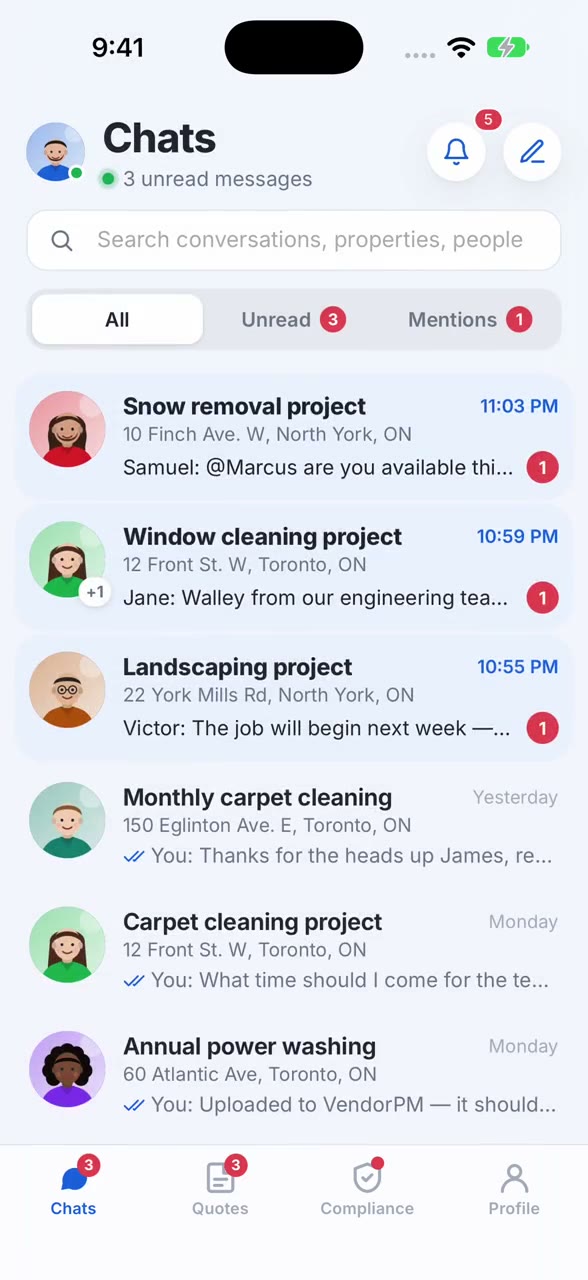
Unread conversations stand out, mentions get their own view, and a long press pins a job to the top or mutes one that's gone quiet. Search finds a conversation by property, address or person.

The inbox with unread and mention filters

Quote, win and sign from the truck

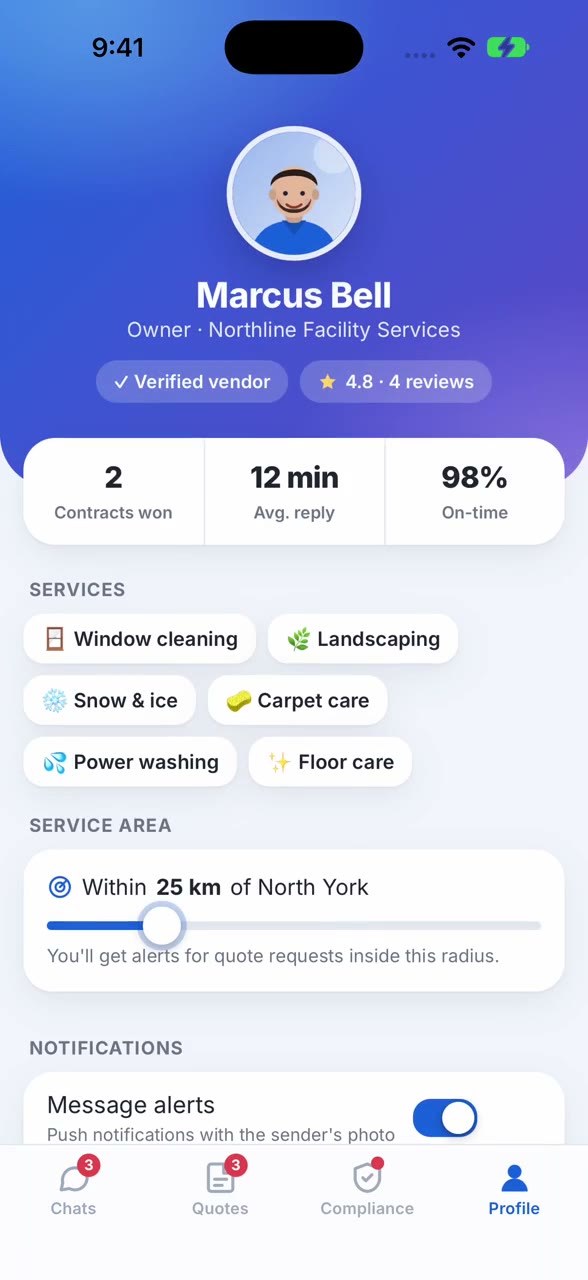
New quote requests within the vendor's service area arrive with the scope, the deadline and a site visit that drops into their calendar. The quote is built on the phone, line by line. When the property manager awards the job, the app celebrates โ€” and the contract is signed with a finger.

  • Requirements checked against the vendor's own documents
  • Pipeline value and win rate at a glance
  • Decline, join or message the property manager in one tap
A quote request with its scope of work and the quote builder

A compliance wallet, not a filing cabinet

A score ring shows where a vendor stands with every client. Expired and expiring documents rise to the top with the clients they affect. Snap the new certificate, let the app read the dates, and it's verified minutes later. Reminders go out a month before anything lapses.

The compliance wallet with a score ring and an expired certificate alert

Notifications with a face

When a property manager messages, the notification carries their photo, so the vendor knows who it is before they unlock the phone. Tap it and the conversation opens. App badges keep count, and muted jobs stay quiet.

Illustration of the notification design.

Friday, 23 October9:41
New message from Samuel Leducnow

Walkthrough confirmed for Friday at 10am. I'll meet you at the loading dock.

Jane Delgado18m ago

Congratulations! You have been awarded the Annual Window Cleaning project.

Works in the basement parking garage

Every conversation is stored on the phone, so the inbox opens instantly and stays complete with no signal at all โ€” underground, in an elevator machine room, on a rooftop. Messages written offline go out when the connection comes back.

6.5 msto open the inbox from the phone
9 / 45conversations / messages in the demo
The inbox in airplane mode, every conversation still available

Folds open into two panes

On foldable iPhones and Android foldables, unfolding puts the inbox and the conversation side by side. Fold it again and the app carries on where it was.

The app on an unfolded phone with the inbox and a conversation side by side

Dark mode, drawn for the dark

Every screen and control has a dark design of its own, following the phone's setting or the vendor's choice.

The app in dark mode
  • CalendarSite visits land in the vendor's own calendar.
  • MapsDirections to the property in one tap.
  • ShareSend a job or an address to the crew.
  • HapticsA small tap of feedback when something happens.
  • App badgeUnread messages counted on the home screen.
  • CameraJob-site photos and document scans.

Watch the demos

Screen recordings of the running app on the iOS simulator. Tap one to play it with sound off and controls on.

Built on real, working code

54 automated tests pass on every build.

Each lit window is a test. They sign in, read and send messages, filter the inbox, join a quote request, build and submit a quote, sign a contract, upload a certificate and check what's stored on the phone โ€” against the real app, on the iOS simulator, with nobody touching it.

  • Every screen in this page has a test behind it
  • Failures capture a screenshot and the page state automatically
  • The same suite runs before every release

Let's put this in your vendors' hands.

We'd love to walk your team through the running app, the tests and how we'd take it to the App Store and Google Play.

allan@shinysoft.biz

Allan Ritchie